


Description
Build Your Dream World in Block Craft 3D
Overview
Block Craft 3D Building Games offers a creative and accessible 3D building experience designed for users who enjoy crafting virtual structures in an open-world environment. The software functions as a free building simulator that brings the tactile joy of physical construction sets into a digital format, appealing to both casual players and aspiring architects. Its core purpose is to empower users to design and construct buildings, villages, and entire cities using a variety of block types and customization options. The game is particularly suited for children and families, given its Pegi 3 rating, and supports intuitive gameplay that requires minimal learning curve. While the developer, Block Craft Games, did not provide additional background details, the software’s focus on creativity and personal expression suggests a strong alignment with educational and recreational goals. Real-world usage scenarios include solo building projects, collaborative play with friends, and sharing creations within a community. The absence of mandatory launchers or mod dependencies simplifies access, making it ideal for users seeking a lightweight, distraction-free creative outlet.
Key Features & Capabilities
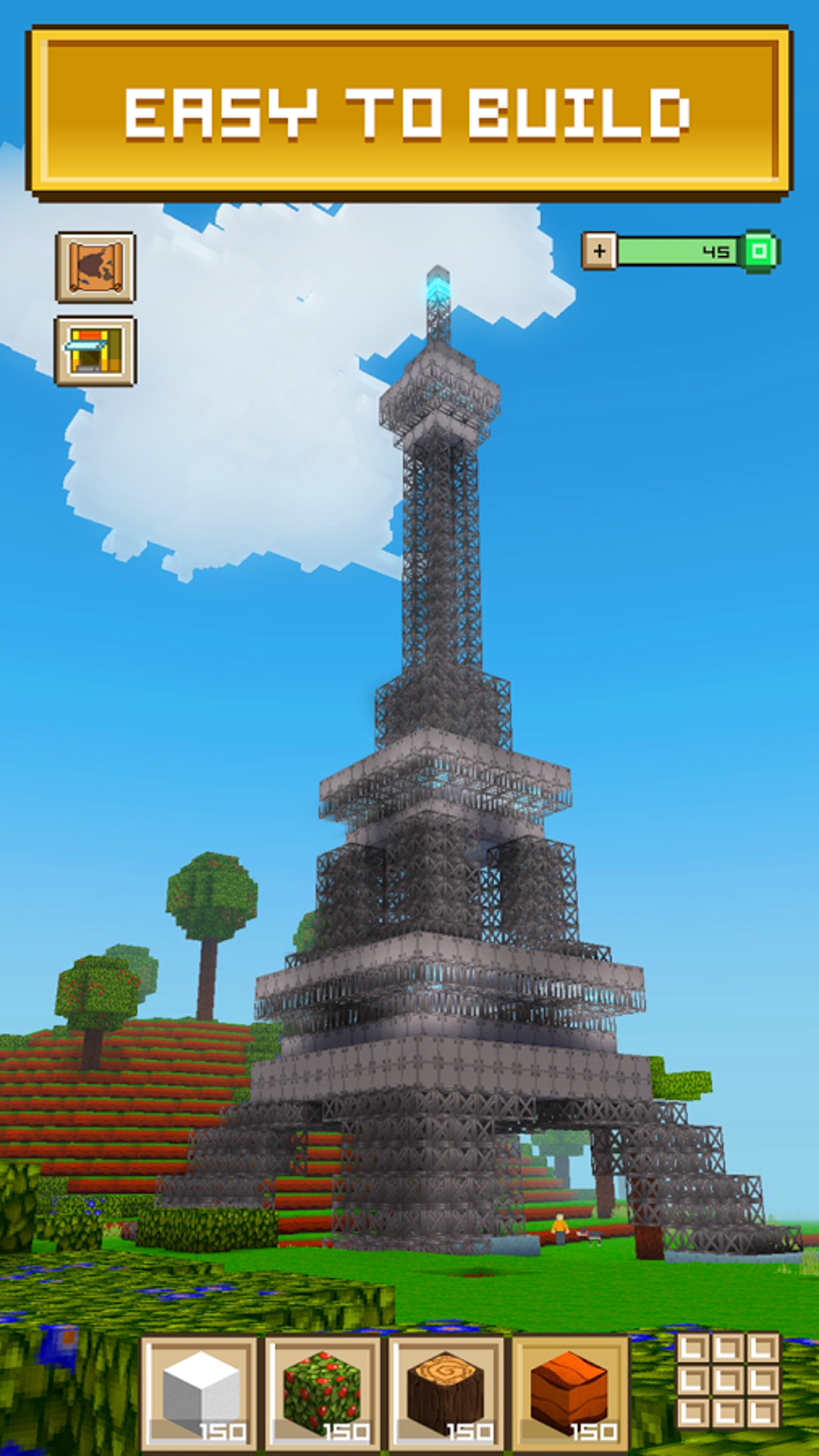
- Open-World Construction – Explore an unlimited virtual space where users can build structures of any scale, from single homes to expansive cities.
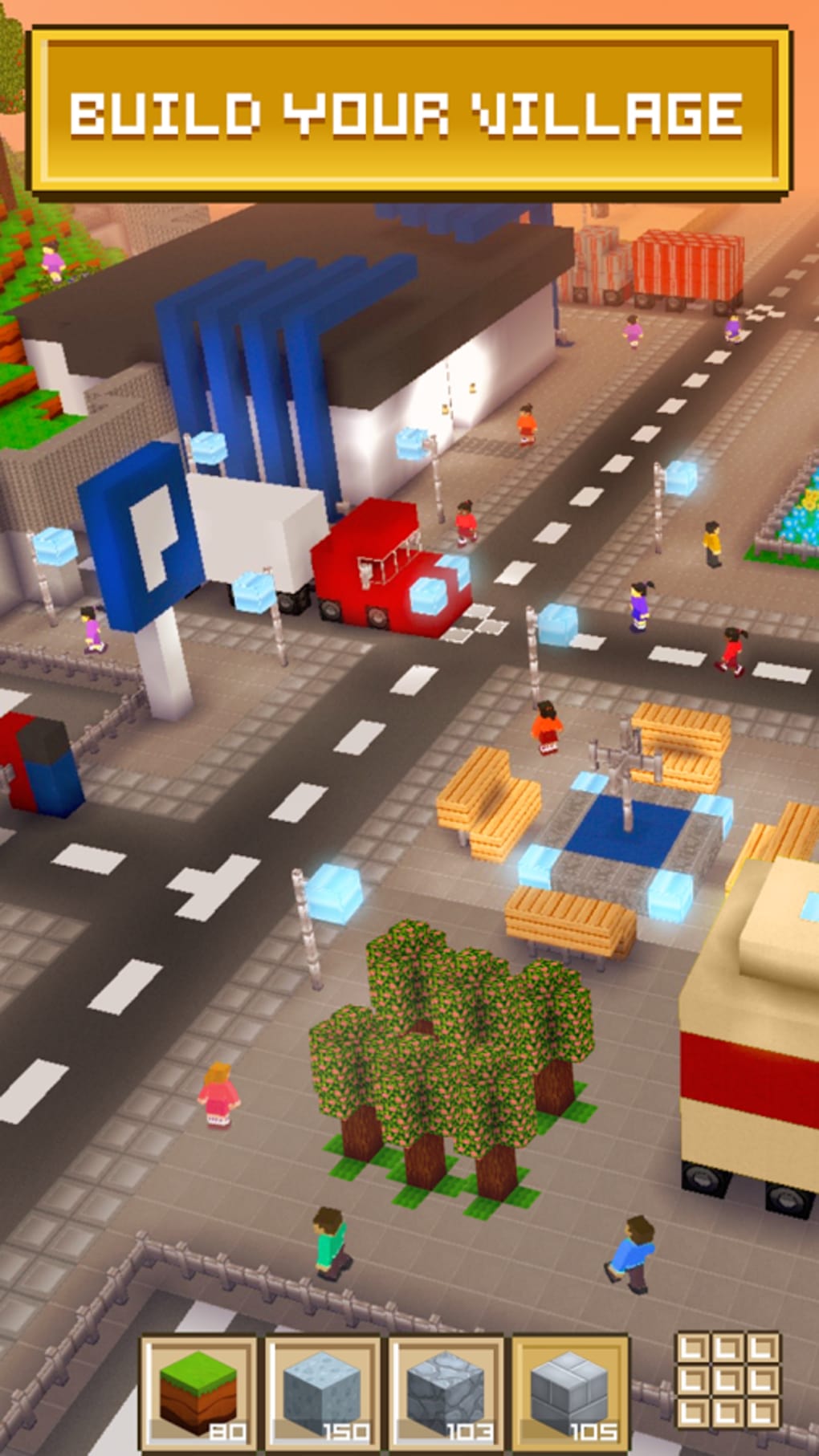
- Block Variety – Choose from a diverse selection of blocks including concrete, glass, brick-patterned, and decorative types to shape designs with visual depth.
- Customization Tools – Personalize buildings with furniture, skins, and custom block designs to reflect individual style and creativity.
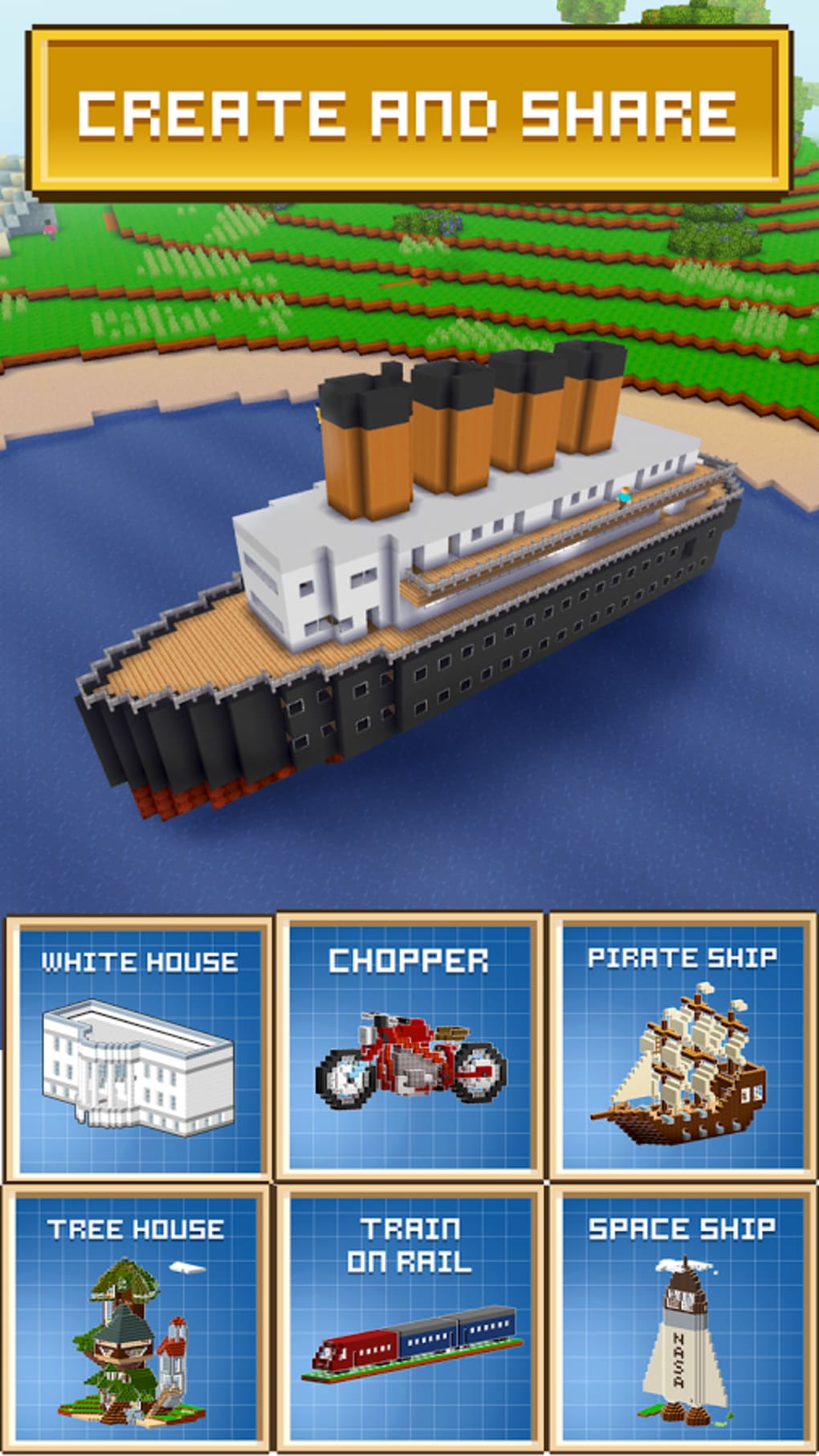
- Shareable Creations – Export and share builds with friends, enabling collaborative building experiences and community engagement.
- Blueprint and Monetization Option – Design blueprints and sell them to earn in-game gems, introducing a simple creative economy.
These features support a wide range of creative workflows. For example, a user might begin by constructing a village using brick and glass blocks, then enhance it with floral decorations and custom furniture. The ability to share builds allows for real-time collaboration, while the blueprint system encourages structured planning and creative entrepreneurship. The game’s design promotes iterative building, allowing users to refine their projects over time. With no need for external tools or mod installations, the workflow remains streamlined and accessible to all skill levels.
User Interface, Workflow & Performance
The user interface is structured around intuitive controls and a clean layout, prioritizing ease of access to building tools. Navigation is handled through standard view adjustments, enabling users to rotate, zoom, and pan within the 3D environment. The workflow emphasizes immediate feedback—placing a block results in instant visual confirmation, reducing friction in the creative process. While the developer did not specify resource usage details, the 31MB file size suggests a lightweight application with minimal system demands. Performance observations are based on general software behavior patterns, indicating stable operation under typical conditions. The software does not require high CPU or RAM usage, making it suitable for older or entry-level devices. Stability is expected to be consistent given the absence of complex backend systems or online dependencies. However, exact performance data was not provided, and behavior under prolonged use remains unspecified.
Compatibility & System Requirements
Block Craft 3D Building Games is compatible with both Windows and Mac operating systems, supporting a broad range of desktop users. The software version is 1.0.0, with a download size of 31MB, indicating a compact installation footprint. The developer did not specify exact system requirements, including processor speed, RAM, or GPU capabilities. As such, compatibility information is limited to the operating systems listed. No additional hardware dependencies were mentioned, suggesting the software runs on standard desktop configurations. The absence of launcher or mod requirements further simplifies deployment. Users should note that performance may vary depending on individual hardware, but the lightweight nature of the application suggests broad accessibility across devices.
Pros and Cons
Pros
- Free to download and use with no upfront cost
- Lightweight installation at just 31MB
- Intuitive interface suitable for children and beginners
- Supports creative expression through customizable blocks and skins
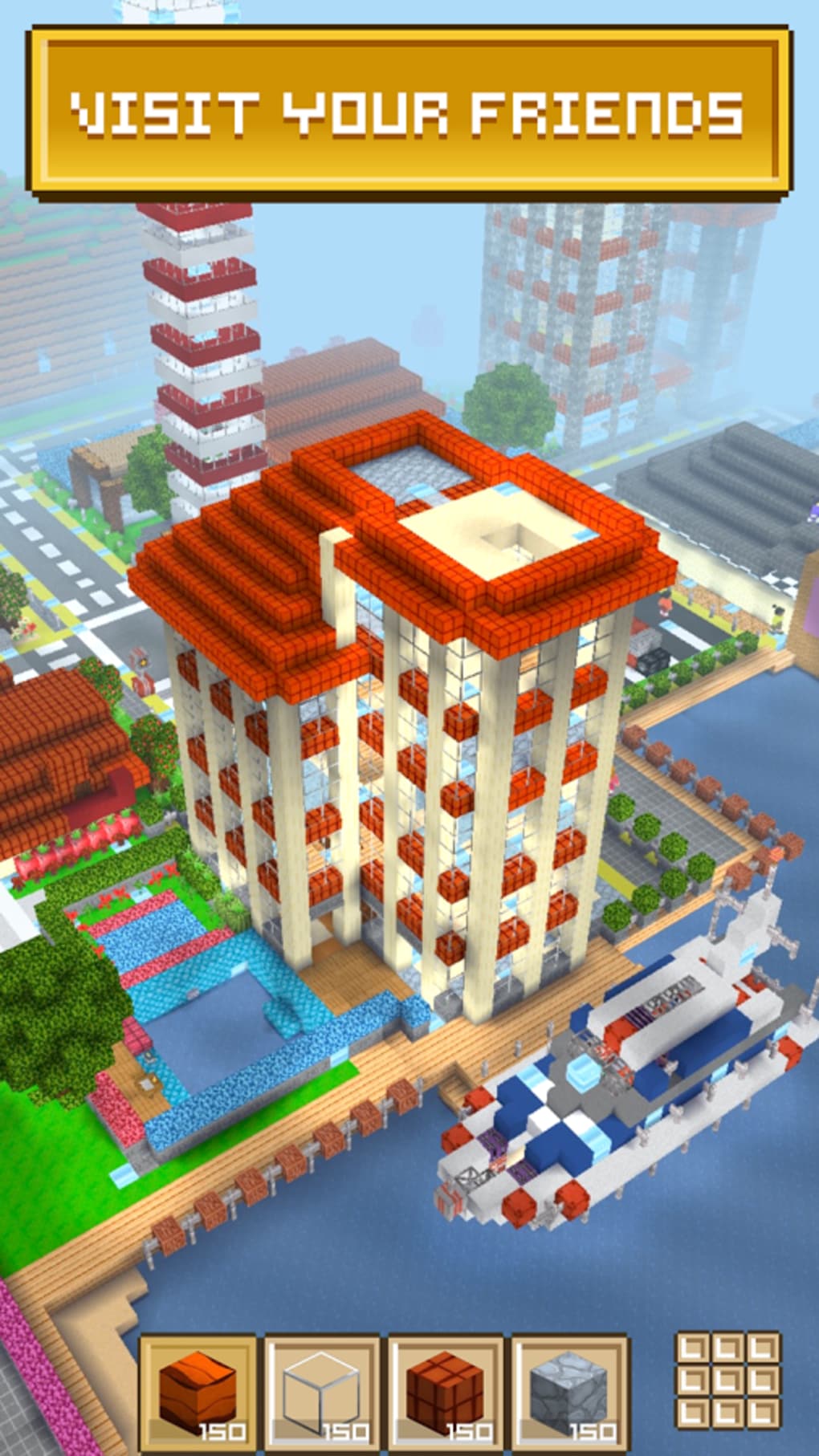
- Enables sharing and collaborative building with friends
Cons
- Exact system requirements were not listed
- Performance details were not specified
- Limited depth compared to more advanced construction simulators
- Relies on in-app purchases for additional content
- Only available for Windows and Mac, no mobile support mentioned
FAQ Section
Is Block Craft 3D available for mobile devices?
The software is currently available for Windows and Mac only. No information was provided regarding mobile platform support.
Is the software safe to download and install?
Yes, the application is free from known malware and does not require external launchers or mod dependencies. It is distributed directly by the developer, Block Craft Games.
Are there in-app purchases in Block Craft 3D?
Yes, while the base game is free, in-app purchases are available for additional content and features.
How often are updates released?
The release date for version 1.0.0 was May 15, 2024. No information was provided about update frequency or future release schedules.
Can I play Block Craft 3D offline?
Yes, the software does not require an internet connection to play. All core building and creation features are available offline.
Final Thoughts
Block Craft 3D Building Games delivers a satisfying and accessible 3D construction experience, ideal for families, young builders, and creative hobbyists. Its free model, lightweight design, and intuitive interface lower the barrier to entry, making it a compelling choice for users exploring digital architecture. While it lacks the depth of professional-grade tools, it excels in simplicity, creativity, and ease of use. The ability to build, customize, and share creations fosters engagement and community interaction. For those seeking a fun, low-commitment way to unleash imagination, this software stands out as a strong option. Download Block Craft 3D now and start shaping your virtual world today.
Guides & Tutorials for Block Craft 3D Building Games
How to install Block Craft 3D Building Games
- Click the Preview / Download button above.
- Once redirected, accept the terms and click Install.
- Wait for the Block Craft 3D Building Games download to finish on your device.
How to use Block Craft 3D Building Games
This software is primarily used for its core features described above. Open the app after installation to explore its capabilities.
User Reviews for Block Craft 3D Building Games 0
No reviews found





